
The complete BlindTest Easy guide
BlindTest Easy is a free party blind test: pick a playlist, listen to 30-second previews, and everyone tries to name the title and the artist. This guide walks through every screen, from the home page to the podium, then explains the multiplayer mode and Solo Voice.
Play nowFree, in your browser, no account.
The idea in 30 seconds
A blind test is a music quiz: you hear a clip without seeing what it is, and you have to find the title and the artist. BlindTest Easy keeps the setup simple: one phone is enough, the previews come from Deezer, and there is no account or install to play in the browser.
- One phone: everyone plays around the same screen, one person (the MC) runs the game.
- 30-second previews from Deezer playlists: French hits, 80s, 90s, current hits and more.
- Simple scoring: 1 point for the title, 1 point for the artist.
- Two ways to play: with friends on one phone, or alone with your voice (Solo Voice).
Step 1: start the game
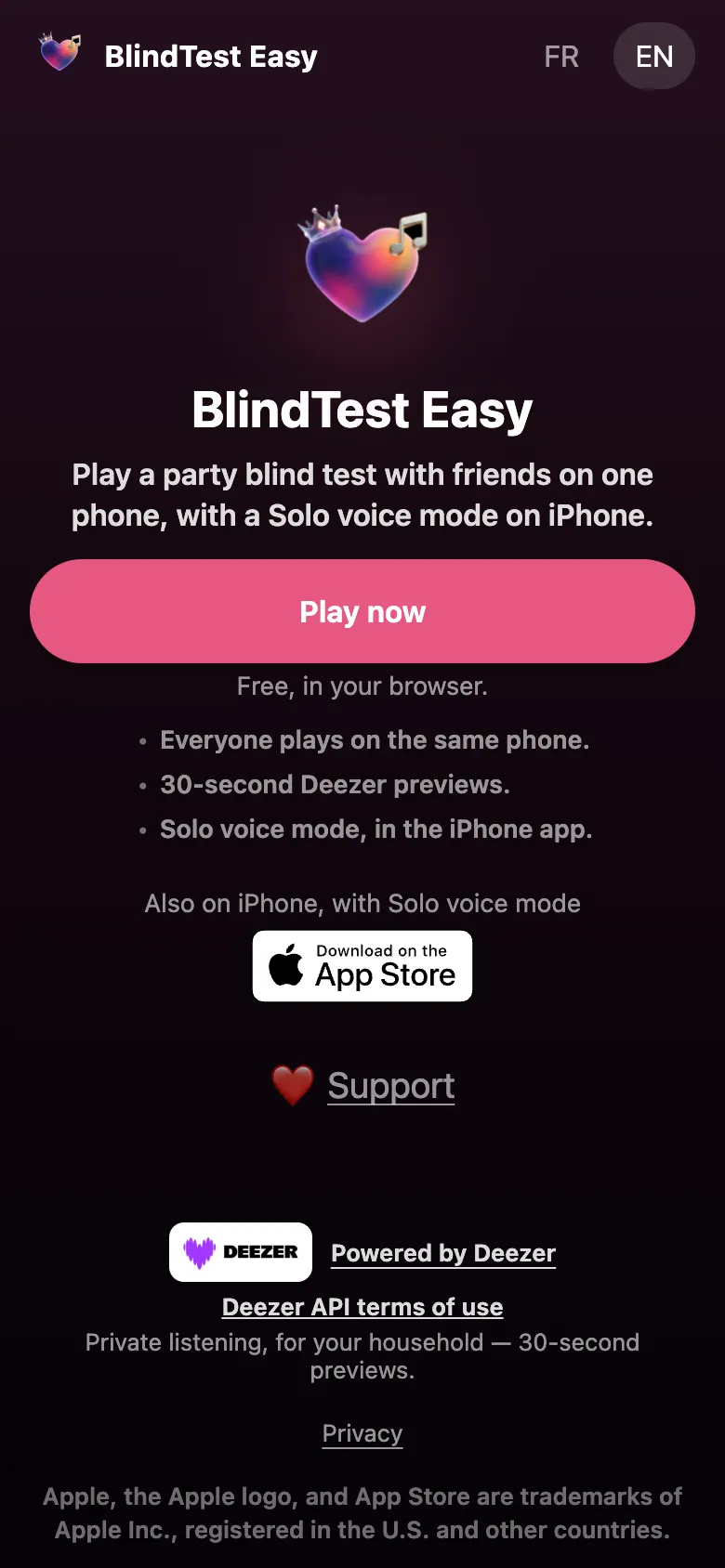
Open the home page and tap Play now. The game opens right in the browser, no account needed. The language buttons at the top right switch between French and English.
On your first game, a dialog asks whether you accept anonymous statistics. You can decline: the game works exactly the same, and you can change your mind later in Settings.
Step 2: choose a playlist
The Choose a playlist screen lists blind tests ready to play. You can:
- browse the list of suggested blind tests;
- search for a playlist with the search field (a decade, a genre, an artist);
- tap the heart on a playlist to keep it under My Blind Tests, at the top of the list next time.
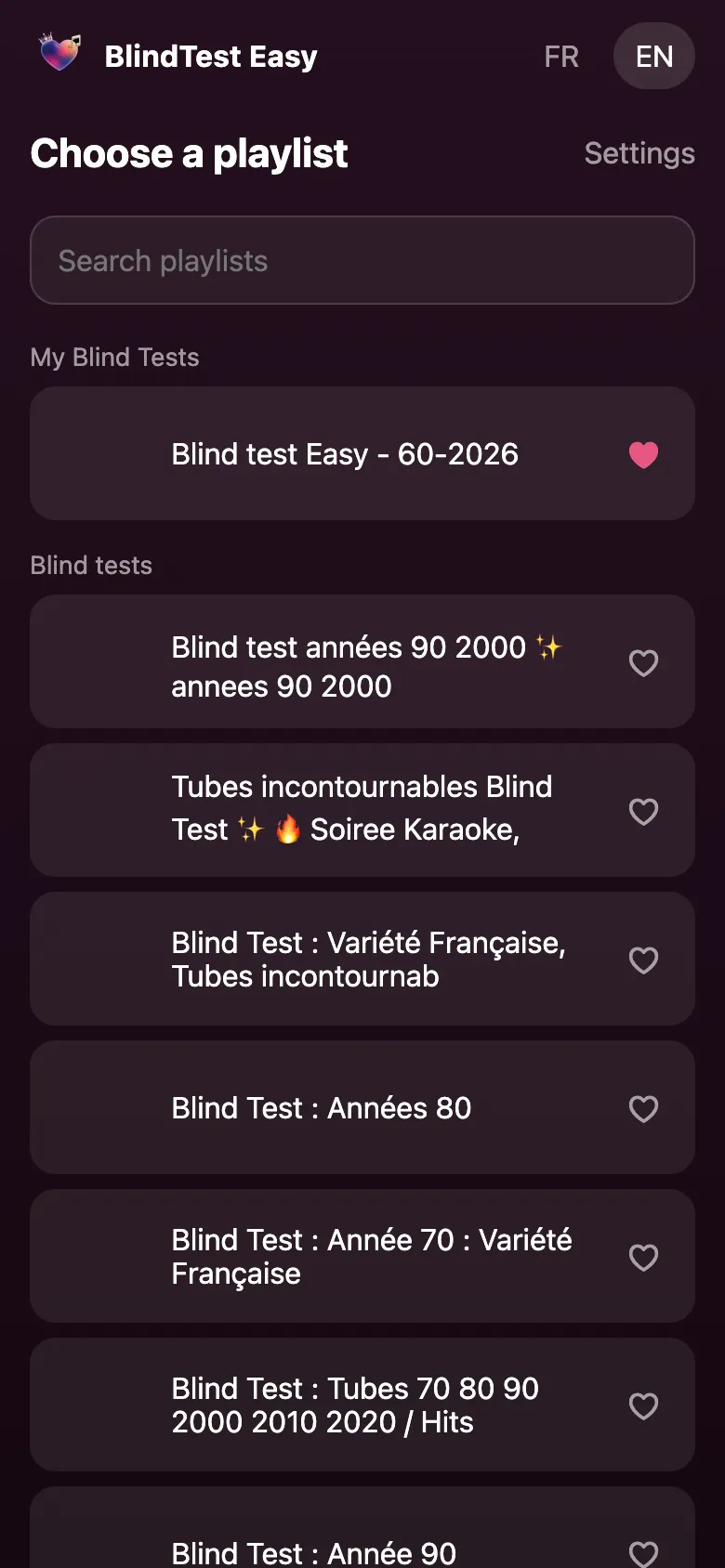
Tap a playlist to move on to the game setup. Only songs with an available preview are playable; the count appears on the next screen.
Step 3: set up the game
The Your game screen has every setting:
- Players: type a name for each player and add more with Add a player. You need at least two, with different names. Each player gets a color and an icon.
- Timer: 10, 15, 20 or 30 seconds per song. The shorter, the more intense.
- Songs: 5, 10 or 20 songs per game.
- MC plays: hides the cover, title and artist until time is up.
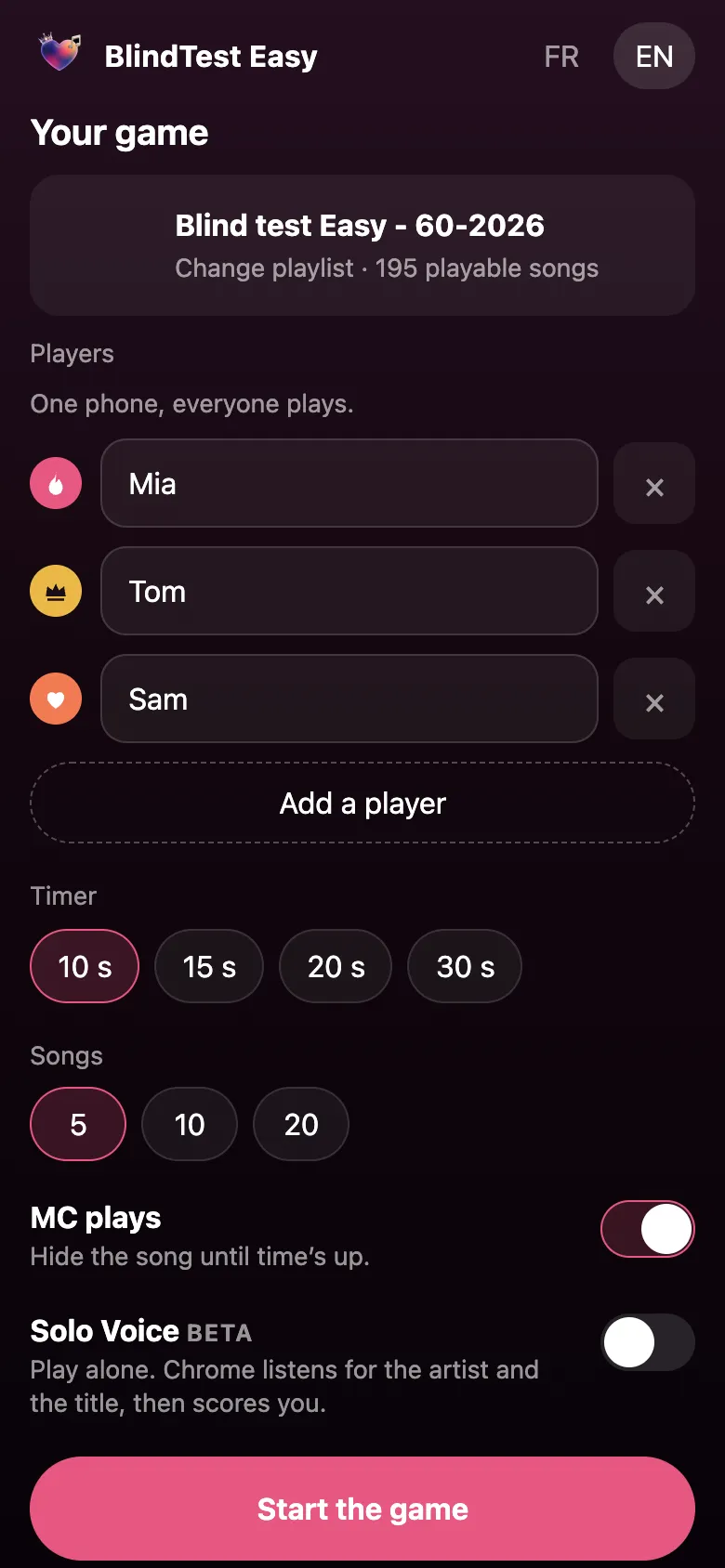
Tap Start the game when you are ready. More detail on the settings, plus tips for hosting a party, is in the multiplayer guide.
Step 4: listen, guess, score
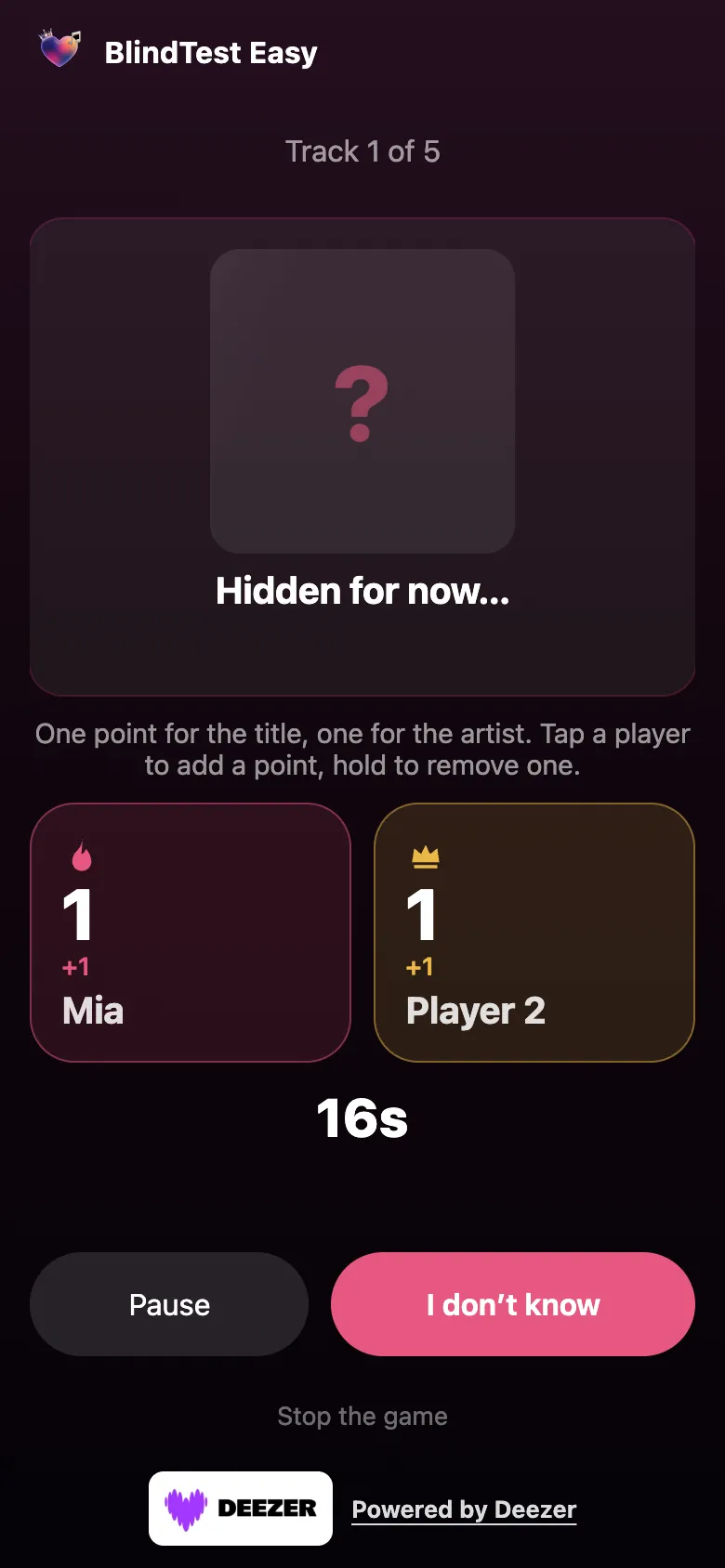
Every round follows the same rhythm. The header shows Track 1 of 5, the preview starts and the timer counts down. With MC plays on, the cover is replaced by a question mark and the message Hidden for now….
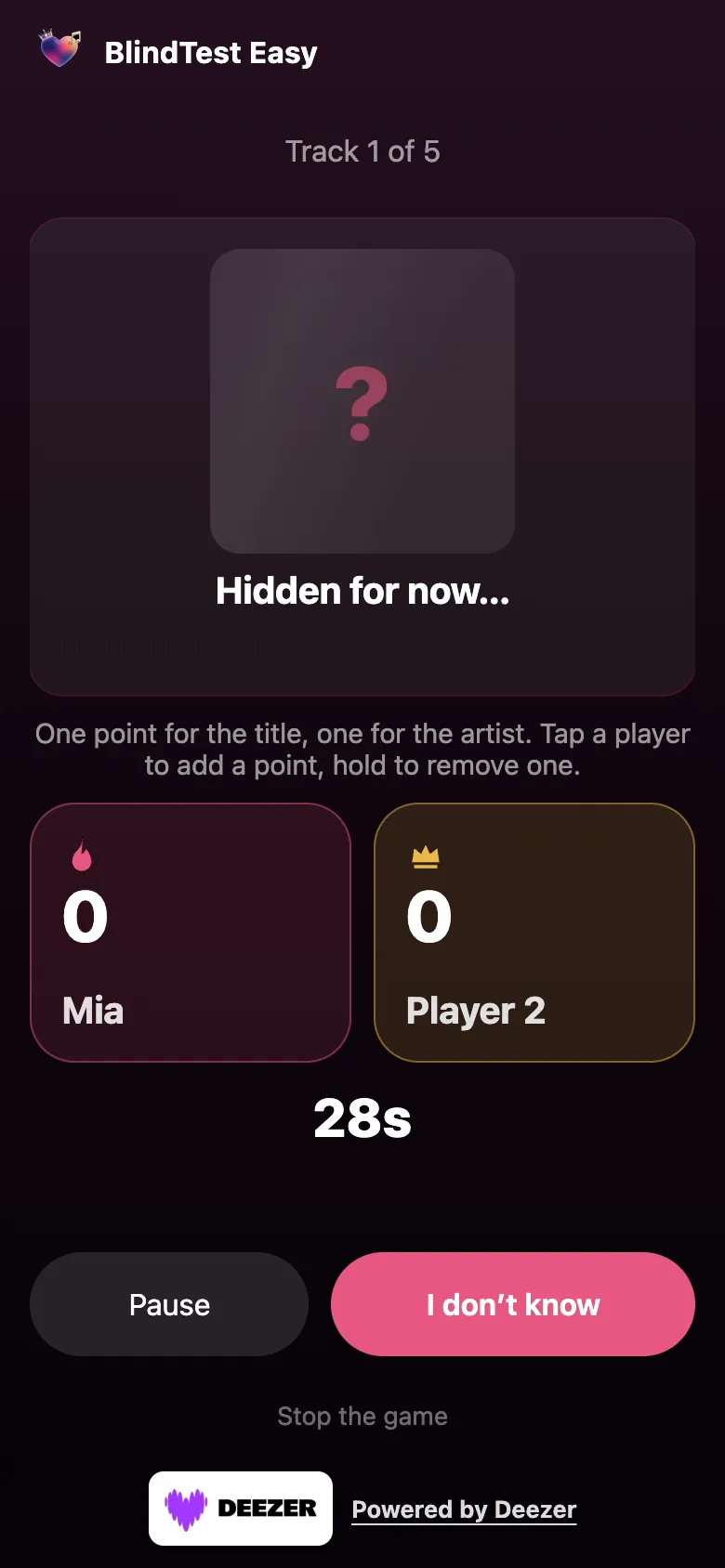
Players answer out loud. When time is up, Time’s up appears and the song is revealed. The MC then awards the points:
- tap a player to give 1 point (title found, then artist found: up to 2 points per song);
- press and hold a player to remove a point after a mistake;
- tap Pause to hold the preview, then Play to resume;
- tap I don’t know to move on, or Next once the answer is revealed.
If a preview is unavailable, the game says so and skips to the next song automatically.
Step 5: the podium
After the last song, the Results screen shows the ranking. In case of a tie, the game shows Tie and the names of the tied players.
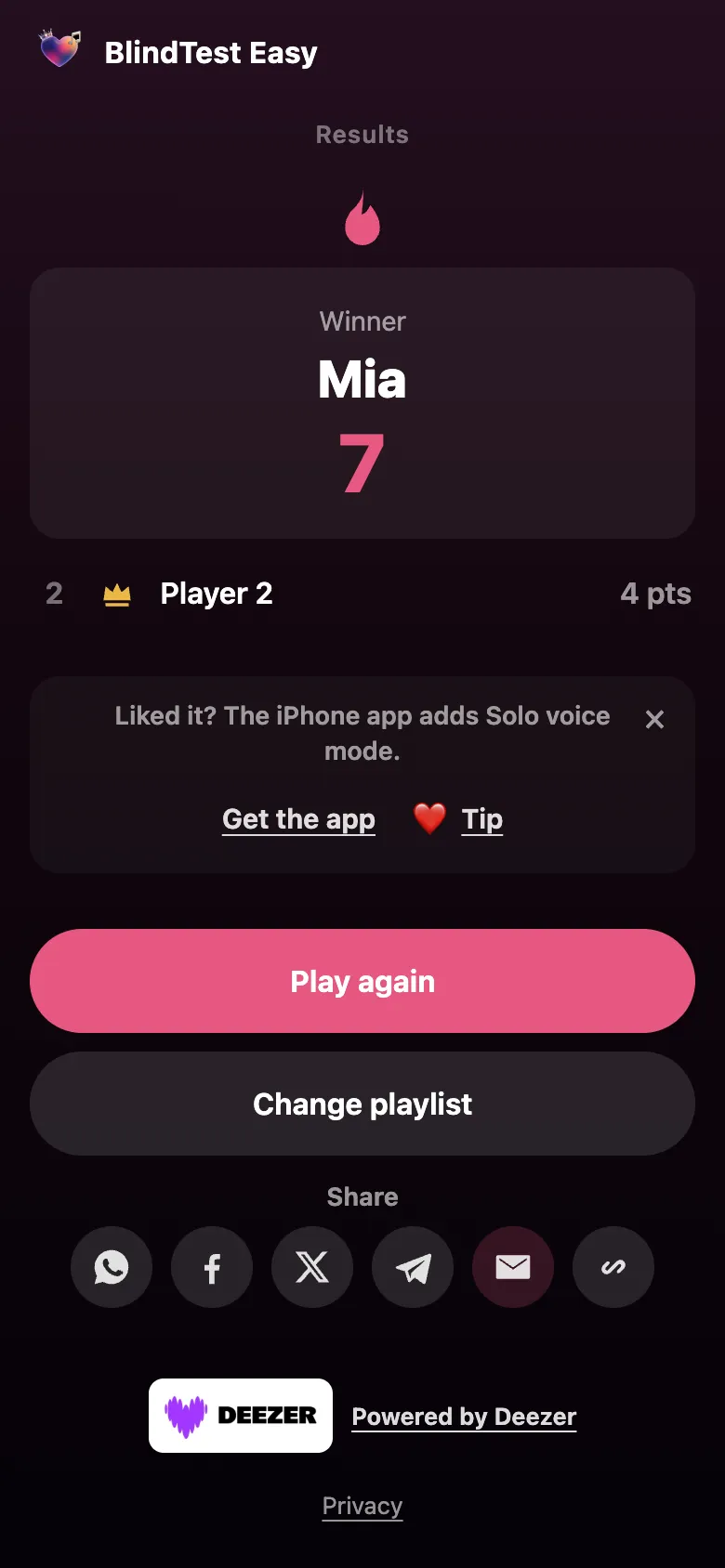
- Play again starts a new game with the same players;
- Change playlist goes back to the playlist choice;
- Share sends the game link through WhatsApp, Facebook, X, Telegram, email, or copies it.
Playing together or alone: the two modes
Multiplayer mode (with friends)
This is the core of the game: one phone, friends, and an MC who keeps score. Ideal for a party, a family dinner or a road trip. Everything is in the multiplayer guide.
Solo Voice mode
You play alone: you say the artist and the title out loud, and the game listens and scores. On the web it is a beta that works in Google Chrome only; on iPhone it is a full mode of the app (iOS 26 or later). It is all explained in the Solo Voice guide.
Frequently asked questions
Is BlindTest Easy free?
Yes. The in-browser blind test is free and needs no account. An optional tip is offered in the game, but it unlocks nothing.
Do I need to install an app?
Not for the web version: it runs in the browser. There is also an iPhone app, which adds the full Solo Voice mode.
Where does the music come from?
30-second previews provided by Deezer. They are played for private, household listening and are not saved by the game.
How many players can play?
You need at least two players for a multiplayer game. Everyone shares the same phone and the MC awards the points.
How long does a game take?
With 5 songs and a 15-second timer, a few minutes. With 20 songs and a 30-second timer, a bit over a quarter of an hour including the reveals.
What is the difference between multiplayer and Solo Voice?
In multiplayer, an MC awards points to the players. In Solo Voice, you play alone and the game listens to what you say to score.

Updated